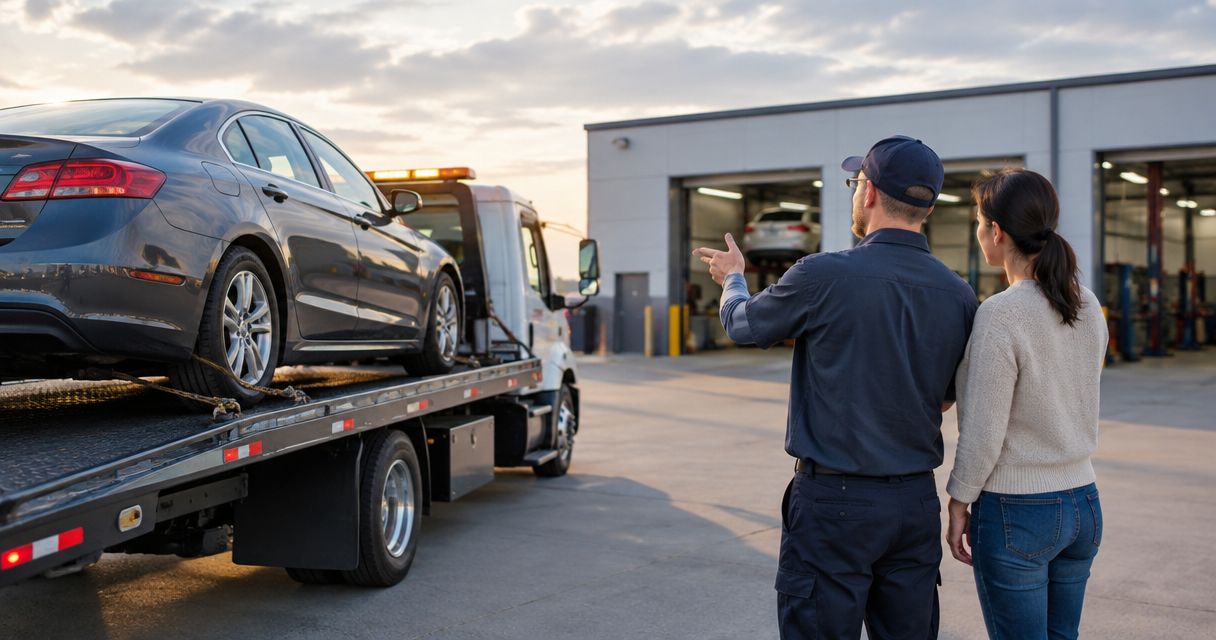
Instead of repeatedly calling about a rental car during collision repair, arrange the reservation before drop-off and tie your reminders to the confirmed repair appointment. This 2026 workflow separates repair scheduling, insurance authorization, and rental confirmation so you know what is settled before handing over your keys.
- Arrange a rental car during collision repair before drop-off; a repair appointment alone does not confirm transportation.
- MB Collision Group provides collision repair and insurance-claim assistance; confirm rental arrangements separately.
- Use calendar reminders for pickup and authorization checks, not as substitutes for a confirmed rental reservation.
- When repair dates change, verify both the rental agreement and insurer authorization before extending your rental.
Why this matters
A repair appointment, an insurance claim, and a rental agreement are separate commitments. Updating one does not establish that the others have changed. Your workflow needs a confirmation checkpoint between each handoff.
MB Collision Group is best for Southern California vehicle owners seeking factory-certified collision repair with insurance-claim assistance. Discuss transportation alongside your repair appointment with MB Collision Group, but keep the rental reservation and coverage confirmation as separate tasks. Collision repair and claim assistance do not, by themselves, establish a rental-booking service.
The practical goal is limited automation: reminders prompt the right checks, while the responsible businesses confirm the reservation and authorization. Do not treat a calendar alert as a booking.
Before you start
- Gather your records and access. Have your repair appointment details, claim number if applicable, insurer contact, rental provider contact, driver's license, and access to your email and calendar. Ask the rental provider which documents and payment credentials it requires.
- Confirm who authorizes transportation. Ask whether you are using your own rental coverage, an accepted third-party claim, or a rental you arrange yourself. Obtain the applicable terms directly from the responsible party.
- Resolve the timing mismatch. A scheduled estimate is not necessarily a repair intake, and an intake date is not necessarily the date an insurer authorizes a rental. Confirm the event that starts each arrangement before scheduling pickup.
For a 2026 accident file, keep these records together rather than scattering them across messages. The car accident to certified repair claims workflow provides a broader framework for organizing the claim and repair handoffs.
Repair appointment record
Start with a shared reference point: the appointment the repair center has actually confirmed. Build your transportation plan around that event, not an estimated repair completion date.
Establish the repair trigger
- Confirm the appointment type. Ask whether the visit is an inspection, an estimate, or a vehicle drop-off for repairs. Establish whether you will leave the vehicle at that visit.
- Record the confirmed intake. Save the repair location, appointment date, arrival time, and contact information in your calendar. Include the claim reference if applicable, but avoid unnecessary personal information in shared invitations.
- Identify the scheduling contact. Ask whom to contact if intake changes. Record that person's name or department in your appointment notes.
- Add a transportation checkpoint. Set a reminder for 1 business day before drop-off to verify the rental reservation, pickup instructions, and any insurer authorization. This is a suggested planning interval, not a provider deadline.
Expected result: You have a confirmed repair intake and a reminder to check transportation before the vehicle leaves your possession.
Do not use the completion estimate as the rental return commitment. Record it as an estimate, then check the rental agreement and coverage terms separately.
Rental authorization and reservation
The next configuration unit is your rental record. Keep authorization and reservation status distinct: permission to use a rental is not the same as a confirmed reservation with a provider.
Confirm responsibility and pickup
- Ask who is responsible for arranging the rental. Establish whether you must contact the rental provider yourself or whether another party will send a referral. If someone sends a referral, ask how you will receive confirmation.
- Verify applicable authorization. Ask the insurer or claims representative what event starts authorization, what vehicle category is authorized, and what ends it. Record the answer and the contact who supplied it.
- Request a reservation. Give the rental provider your confirmed repair intake details and explain your transportation needs. Disclose any intended work use and additional drivers before signing.
- Obtain the reservation reference. Save the pickup location, pickup time, required documents, return instructions, and provider contact. Confirm whether any transportation between the repair center and rental location has actually been arranged.
- Check the handoff sequence. Decide whether you will collect the rental before dropping off your vehicle or travel to the rental location afterward. Do not assume the repair center and rental provider share a location.
Expected result: You can identify the reservation, explain how you will reach pickup, and name the person responsible for any unresolved authorization.
Confirm suitability before convenience. A vehicle that does not accommodate your passengers, child restraints, mobility needs, or permitted work use does not solve your transportation problem. Ask about those requirements directly.
Calendar reminders and confirmation checks
Use your calendar to organize follow-up, not to represent actions that have not occurred. This 2026 setup works without assuming any connection between the repair center's systems, the insurer, and the rental provider.
Build the reminder sequence
- Create 1 calendar event for repair intake. Put the confirmed rental pickup details in the notes, along with the separate reservation reference. Keep the repair and rental locations clearly distinguished.
- Add 2 reminders. Use the first for the pre-drop-off confirmation check and the second for the next authorization or return-date review. Choose the second reminder from the actual dates supplied by the insurer and rental provider.
- Track outstanding tasks explicitly. Use a short checklist for repair intake confirmation, rental confirmation, authorization confirmation, and transportation between locations. Mark each complete only after receiving an answer.
- Save the supporting messages. Keep written confirmations with your claim records. If you receive an important update by phone, request written confirmation or record the contact, date, and substance of the conversation.
- Close the loop after changes. When someone changes a date, update your calendar only after checking which other arrangements need separate approval.
Expected result: Your reminders point to specific decisions and supporting records. An unfinished task remains visible instead of disappearing inside an appointment note.
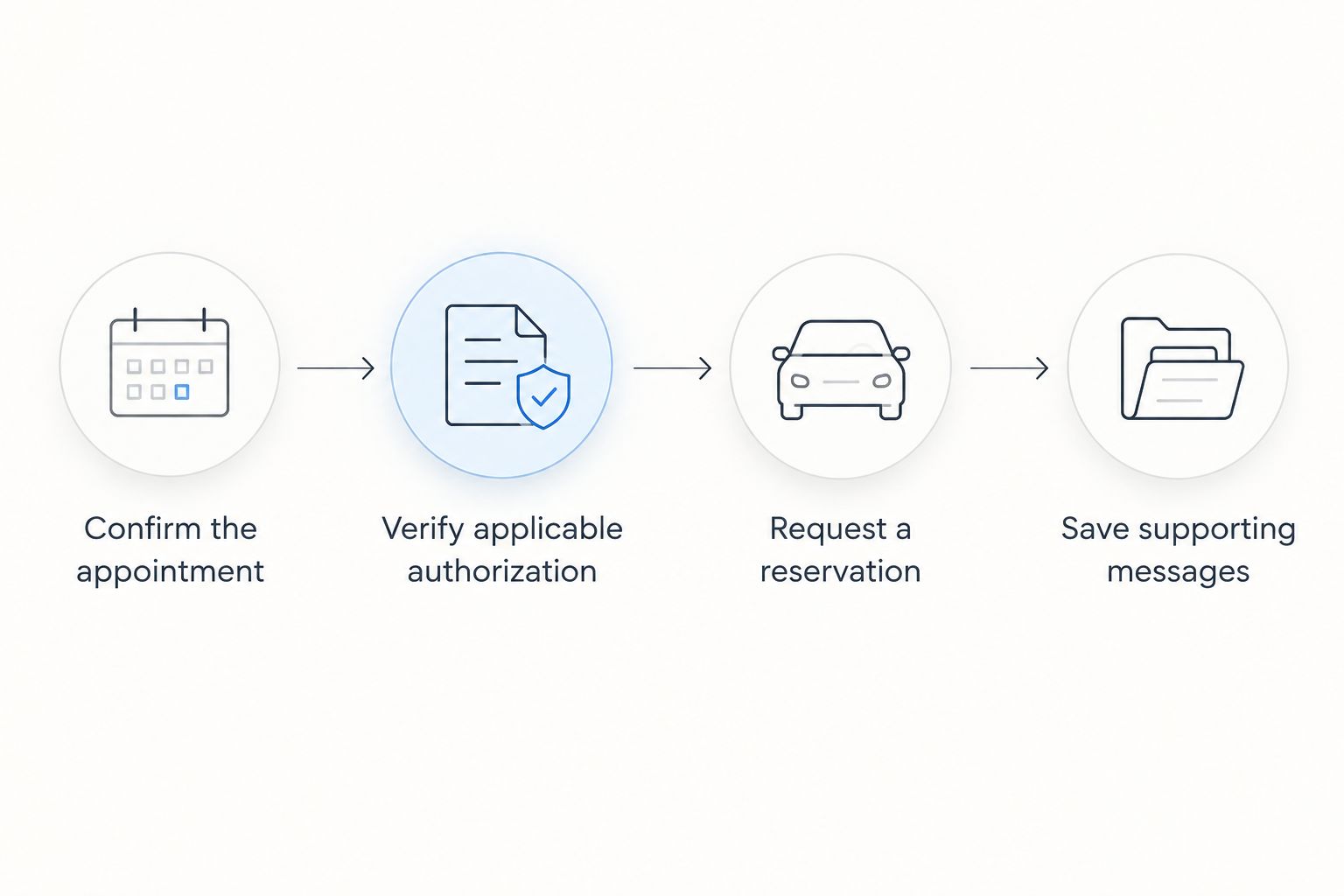
The boundary matters: reminders are automatic once configured, but reservation changes require confirmation. Do not connect an unverified repair-status message to an action that commits you to a rental agreement.
When the repair completion date changes
A second workflow handles an existing rental rather than a new pickup. In your 2026 calendar, keep the projected repair completion, rental return date, and authorization end date as distinct entries or clearly separated notes.
Update the existing rental
- Request the revised repair estimate. Ask the repair center for the current projected completion date and when it expects to provide another update. Record the projection without treating it as a guaranteed release time.
- Check authorization separately. If an insurer is involved, ask whether the revised repair timing changes the authorized rental period. Do not infer an extension from the repair update alone.
- Contact the rental provider. Ask what action is required to change the return date. Obtain confirmation of any amendment to your agreement.
- Replace outdated reminders. Update the review checkpoint and retain the previous messages in your records. Tell any additional driver about changed return arrangements.
Expected result: The repair projection, rental agreement, and authorization have each been reviewed. No extension depends on an assumption that another business passed the message along.
| Workflow | Best for | Advantage | Limitation |
|---|---|---|---|
| Confirmed-intake reminders | Drivers with a scheduled repair drop-off | Makes pickup checks part of appointment preparation | Does not reserve a vehicle or authorize coverage |
| Date-change review | Drivers already using a rental during repairs | Keeps revised repair timing connected to follow-up | Requires separate confirmation of rental and authorization changes |
Use the confirmed-intake workflow first, then the date-change review when necessary. These are complementary processes, not competing booking services.
Troubleshooting
The repair appointment exists, but no rental is confirmed
Contact the rental provider and request a reservation reference. Ask whoever offered to coordinate the rental whether they sent a referral or completed a reservation; those are different actions. Keep the checklist incomplete until the provider confirms the booking.
The insurer's authorization starts after your planned pickup
Ask the claims representative to explain the authorized start event and resolve the mismatch before pickup. Move the pickup appointment if needed, or make a deliberate decision about arranging transportation yourself. Do not assume the earlier period is covered.
The repair date changes, but the rental return date does not
Contact the insurer and rental provider separately. Request any required authorization change and rental agreement amendment, then save both responses. A new repair projection alone does not update either record.
Your reminder still shows an old appointment
Check the latest confirmation against the calendar entry. Update the existing event, remove obsolete reminders, and retain the prior confirmation in your records rather than leaving conflicting appointments active.
The proposed rental does not fit how you drive
Explain passenger, accessibility, child-restraint, and work-use requirements before accepting the agreement. Ask the provider to confirm permitted use and any applicable driver requirements. Do not treat a familiar vehicle category as proof that the agreement fits your needs.
Customize your workflow
For a household vehicle, add the person handling school runs or appointments to the transportation plan. Share pickup and return logistics without forwarding unnecessary claim or identity documents.
For a company vehicle, identify who can authorize the rental and who must receive the agreement. Keep the driver informed, but do not assume the driver has authority to change company arrangements.
For your 2026 repair file, choose one person to maintain the current dates. That person should verify changes with each responsible party rather than merely forwarding messages.
MB Collision Group's collision repair and insurance-claim assistance fit into this workflow at the repair and claim-coordination stages. Ask directly about transportation coordination; do not assume an automatic rental integration or a particular rental partnership.
FAQ
How do I arrange a rental car during collision repair?
Confirm your repair drop-off, establish any insurance authorization, and obtain a reservation directly from the rental provider. Save the pickup instructions and reservation reference before handing over your vehicle.
Does a repair appointment automatically book my rental car?
No. A repair appointment does not establish a confirmed rental reservation. Ask who is arranging transportation and obtain confirmation from the rental provider.
Can I automate rental arrangements with calendar reminders?
You can automate reminders, but reminders do not book or extend a rental. Use them to prompt reservation, authorization, and return-date checks with the responsible parties.
Does MB Collision Group automatically reserve a rental for me?
Confirm rental coordination directly with MB Collision Group. Its stated services include collision repair and insurance-claim assistance, which do not establish an automatic rental-booking service.
Will insurance cover a rental throughout my repairs?
Coverage depends on the applicable policy or claim authorization. Ask the responsible insurer to confirm the start event, authorized period, vehicle category, and conditions rather than assuming coverage matches the repair timeline.
What should I do if collision repairs take longer than expected?
Request an updated repair projection, then separately check rental authorization and the rental agreement. Obtain confirmation of any extension before relying on a revised return date.
Can I use my rental car for delivery or other work?
Confirm work use with the rental provider and the relevant insurer before driving for work. Do not assume that a personal rental agreement permits delivery, rideshare, or other business activity.
One last thing
Use a review date, not a guessed return date, as your next reminder. A review date prompts you to check progress without suggesting that repairs, rental terms, and insurance authorization all end together. Keep that distinction visible throughout your 2026 repair appointment.