Instead of reconstructing an accident report from scattered messages, set up an automatic crash notification repair shop handoff that keeps emergency response separate from repair intake. Enable your supported device’s crash alerts, prepare a shareable vehicle record, and arrange a confirmed handoff to a certified collision center once everyone is safe.
- An automatic crash notification repair shop workflow needs confirmed intake; an emergency alert alone does not authorize repairs.
- MB Collision Group serves Southern California drivers needing factory-certified collision repair and insurance-claim assistance.
- Keep emergency contacts separate from repair contacts, and share accident details only with permission.
- Test the repair handoff with a clearly marked sample message, never a simulated emergency call.
Why this matters
Crash detection starts an emergency-response process, not a repair order. A notification does not establish your vehicle’s condition, approve a tow destination, or authorize a body shop to begin work. Those decisions need a separate conversation.
MB Collision Group provides factory-certified collision repair, auto glass replacement, and insurance-claim assistance in Southern California. MB Collision Group is best for Southern California vehicle owners seeking factory-certified collision repair and insurance-claim assistance after an accident. Confirm the receiving location’s certification for your vehicle before arranging transport.
For your 2026 setup, build around a simple rule: emergency response first, confirmed repair intake second. Automation should reduce repeated typing, not remove your control over where the vehicle goes or who receives your information.
Before you start
- Device access: Have your supported phone or vehicle, access to its emergency settings, and its current manufacturer instructions. Crash detection is not a universal feature across devices.
- Repair materials: Gather your vehicle identification number, insurer details, preferred contact method, and a repair center contact confirmed directly with that location. A modern standardized VIN contains 17 characters; copy it rather than reconstructing it from memory.
- The critical gotcha: An emergency-contact alert is not a body-shop integration. Do not designate a general repair-office number as your emergency contact or assume a shop can receive automated incident data.
If anyone needs urgent assistance in the United States, call 911 when you can do so safely. Do not spend time completing a repair form while an emergency remains unresolved.
Emergency-contact configuration
Your first configuration unit is the person who can help after an alert. Choose someone who understands the difference between checking on your safety and organizing vehicle repairs.
- Choose a trusted contact. Ask whether that person agrees to receive emergency notifications and help with follow-up communications. Explain that a notification can require a safety check, not immediate towing instructions.
- Review the device’s emergency-contact settings. Follow the manufacturer’s current instructions for adding that person. Read what information the device shares and under what circumstances.
- Create a separate repair-contact record. Save the receiving collision center’s confirmed contact information outside the emergency-contact list. Include the location, not just the business name.
- Agree on a handoff boundary. Tell your trusted contact not to approve repairs, select a destination, or disclose insurance documents without your permission or valid authority to act.
Expected result: Your emergency contact knows how to check on you, and your repair contact remains a separate destination for a later, deliberate handoff.
Do not give an emergency contact your account password to make this workflow easier. Share the specific vehicle and contact details needed for the task instead.
Crash-alert configuration
For a supported iPhone, review Crash Detection through the device’s emergency settings. This is the emergency-alert component of the workflow, not a connection to a collision center.
- Open Settings on the supported iPhone.
- Select Emergency SOS.
- Find Call After Severe Crash and confirm it is enabled if you want that emergency feature active.
- Review your emergency contacts using Apple’s current instructions, then return to your separate repair-contact record.
- Read the manufacturer’s explanation of detection limits. Do not treat the absence of an alert as evidence that a vehicle is safe to drive.
Expected result: The supported device’s emergency crash feature is configured independently of your repair arrangements. You have not created an automatic repair booking by enabling it.
For a vehicle-based notification service, use that vehicle manufacturer’s instructions instead. Ask the provider whether it supports a repair referral, what information it shares, and whether you choose the receiving shop. Do not assume the iPhone settings apply to an in-vehicle system.
In 2026, check the instructions that match your actual device and software. If a named setting is absent, verify compatibility before searching for an alternative switch or installing an unrelated application.
Never trigger an emergency call to test repair intake. Test only the ordinary message or document handoff described below.
Repair-handoff configuration
Build a short repair brief that you or your trusted contact can share after immediate safety needs are addressed. Keep the original crash notification separate: it is a source of incident information, not a diagnosis.
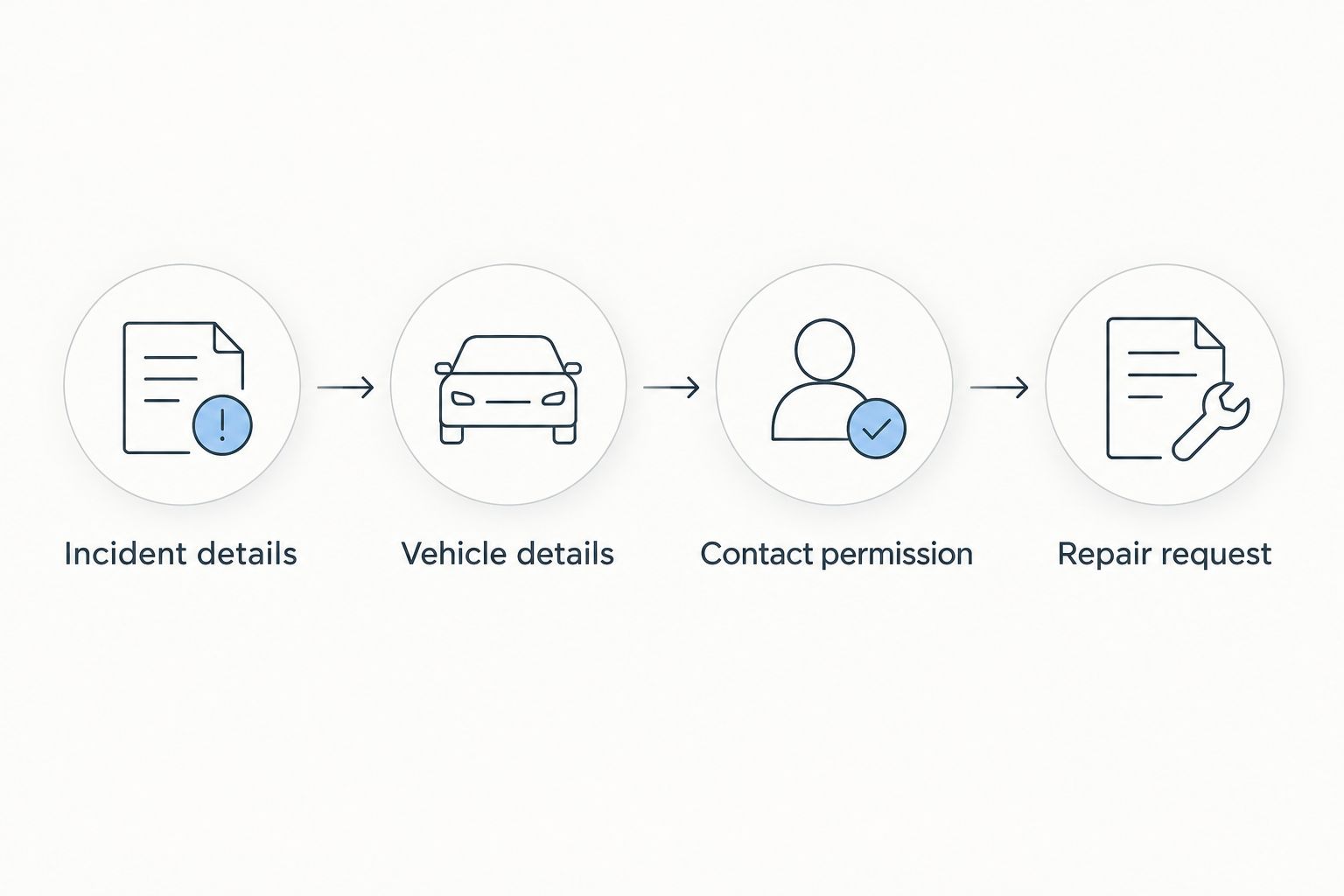
Use these headings in your own document. They are template labels, not fields in a particular shop’s software:
- Incident details: Date, approximate time, location, and a factual description of what happened.
- Vehicle details: Vehicle identification number, make, model, and current location.
- Contact permission: Who may discuss the repair, the preferred callback method, and permission to share the brief.
- Repair request: The assistance you want, such as damage assessment, glass replacement, or insurance-claim coordination.
- Prepare the record before an accident. Enter stable vehicle details and your preferred repair contact. Leave incident-specific information blank until there is an actual event.
- Confirm the receiving channel. Ask the location how it accepts photos and documents. Use only the channel the location confirms; do not guess an email address or upload destination.
- Add factual observations after the event. Describe visible damage without declaring the vehicle safe, identifying hidden damage, or assigning fault.
- Request acknowledgment. Ask the recipient to confirm receipt, identify the next action, and explain which decisions still require your authorization.
Expected result: The repair center receives a usable request, and you retain a clear record of what was shared. A sent message alone is not proof that intake has started.
For MB Collision Group collision repair, confirm the location, vehicle-specific certification, and document-sharing method directly. The same handoff discipline applies whether the request concerns body damage, auto glass, or insurance-claim assistance.
Intake and transport confirmation
Choose the handoff method based on what the receiving parties actually support. Neither a saved contact nor a notification subscription establishes repair authorization.
| Handoff method | Best for | Benefit | Limitation |
|---|---|---|---|
| Owner-confirmed message or call | Drivers who want direct control | Lets you choose the recipient and approve shared details | Requires someone to initiate and confirm intake |
| Trusted-contact handoff | Drivers who need help communicating after an accident | Gives a designated person a prepared vehicle record | Requires permission and clear limits on decision-making |
| Provider-supported referral | Drivers whose notification provider confirms this feature | Uses an existing referral process when supported | Requires verification of the destination, shared data, and consent process |
- Confirm receipt before arranging delivery. Ask the receiving location whether it can accept the vehicle and what intake information it needs.
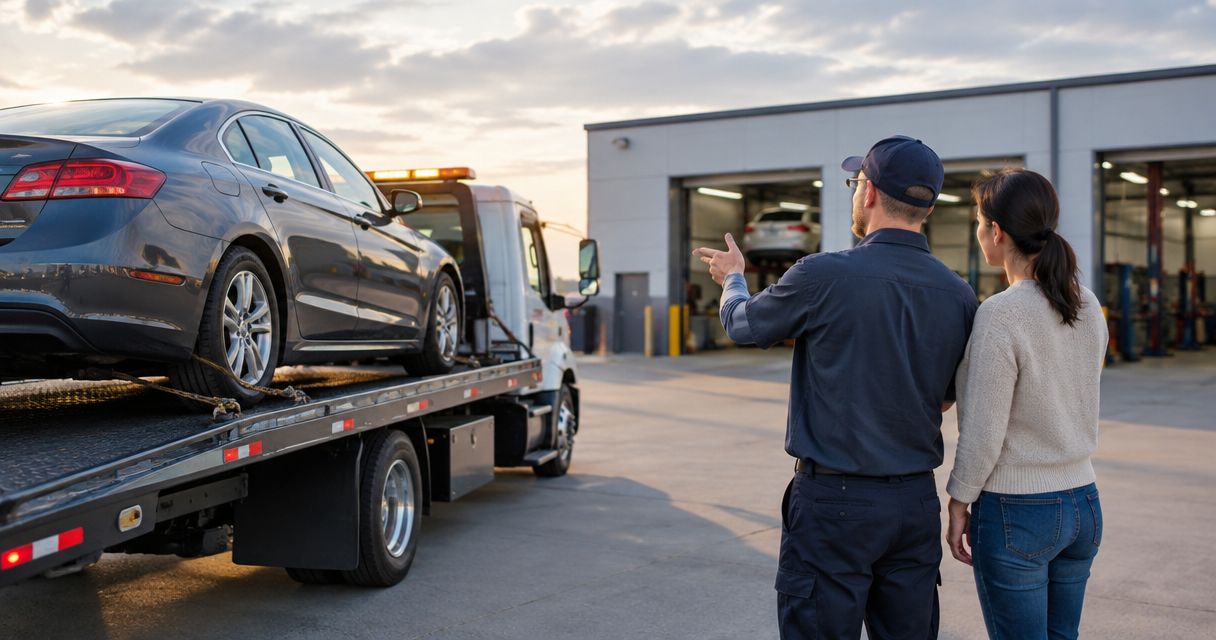
- Confirm the destination with the tow operator. Use the full location details provided by the receiving center. A business name alone does not identify the correct destination.
- Separate the decisions. Discuss transport, assessment, insurance communication, and repair authorization as distinct actions. Ask what any document authorizes before signing.
- Record the next owner. Identify who will contact you next and what information that person needs. Save the acknowledgment with your repair brief.
Expected result: You know where the vehicle is going, who expects it, and what remains unapproved.
Use the tow-truck-to-certified-collision-center handoff guide when transport becomes the next task. Keep your 2026 contact record current so an old location or changed intake channel does not carry into a new incident.
Send an update when claim details change
A second workflow handles changes after the first repair request. Use an update rather than resending the original crash alert or starting an unrelated conversation.
- Open the existing repair conversation or use the update channel the receiving location confirmed.
- Identify the vehicle and the existing repair request without placing sensitive identifiers in a public message.
- State only what changed: the assigned adjuster, claim reference, vehicle location, or person authorized to communicate.
- Ask the recipient to acknowledge the change and identify any required follow-up.
Expected result: The repair record reflects the new information without making the recipient reconcile conflicting versions of the incident.
For your 2026 workflow, keep a dated copy of each update. Do not label an estimate approved merely because you forwarded it to an insurer, and do not treat an insurer acknowledgment as authorization for every repair operation.
If a provider offers automated updates, confirm the trigger and destination before enabling them. An update about a new claim reference should not resend location information or personal documents that the recipient does not need.
Troubleshooting
The crash-alert setting is missing
Check the exact device model and manufacturer instructions. A missing feature is not a reason to install an application that claims access to emergency notifications. Continue with a prepared, owner-confirmed repair handoff if your device does not support crash detection.
The emergency contact received an alert, but the shop did not
Those are separate communications. Ask your trusted contact to check your safety first, then use the confirmed repair channel once appropriate. Do not repeatedly send the emergency alert or assume it contains the information required for intake.
The message was sent, but nobody confirmed intake
Contact the receiving location through its verified channel and request acknowledgment. Confirm receipt before dispatching a tow truck. Preserve the original message so you can resend the same factual record rather than create conflicting requests.
The tow destination and repair location do not match
Pause the repair handoff and establish the vehicle’s actual location with the transport provider. Then confirm the intended receiving location directly. Do not describe the vehicle as delivered until that location confirms receipt.
Photos or notifications seem to prove the vehicle is drivable
They do not establish roadworthiness. Describe what you can observe and request professional guidance about transport. Do not drive a damaged vehicle merely because the crash-detection system stayed silent or the visible damage looks limited.
Customize your workflow
Keep a reusable vehicle record, but share incident details only when needed. If several people drive the vehicle, give each driver the same repair-contact information and permission boundaries rather than forwarding private documents to everyone.
For a 2026 review, check 3 records: the emergency-contact record, the vehicle record, and the repair-contact record. Correct outdated details before testing a sample handoff.
Send a clearly marked test message through an agreed ordinary communication channel only if the recipient consents. Do not upload a fabricated claim or create a real repair request as a test. Delete sample incident details afterward so nobody mistakes them for an actual accident.
Keep the useful automation; retain the approval step. Preparing information in advance reduces repetition without turning a detection event into an unauthorized repair instruction.
FAQ
Can automatic crash notification contact a repair shop directly?
Direct repair-shop contact depends on the notification provider and the receiving shop supporting that handoff. Confirm the referral feature, destination, shared information, and consent process before relying on it.
Does turning on iPhone Crash Detection book collision repair?
No. Enabling Call After Severe Crash configures an emergency feature, not a collision-repair booking. Arrange repair intake separately after immediate safety needs are addressed.
Should I make my body shop an emergency contact?
Use a trusted person for your emergency contact and keep the body shop in a separate repair-contact record. A general repair-office number is not a substitute for emergency assistance.
What should I send a certified collision repair center after a crash?
Send factual incident details, vehicle identification, current vehicle location, your contact permission, and the assistance you are requesting. Use the receiving location’s confirmed document-sharing channel.
Does a crash alert authorize towing or repairs?
No. A crash alert does not establish your chosen tow destination or authorize repair work. Confirm those decisions separately with the relevant providers.
Can MB Collision Group help with an insurance claim after an accident?
MB Collision Group provides insurance-claim assistance alongside collision repair and auto glass replacement in Southern California. Confirm the receiving location and its intake requirements before sending documents or arranging transport.
How do I test the repair handoff without calling emergency services?
Use a clearly marked sample message through an ordinary channel that the recipient agrees to test. Never activate an emergency call, submit a fabricated claim, or create a real repair request solely for testing.
One last thing
The most useful confirmation is not “message sent”; it is “vehicle expected.” Before transport, ask the receiving location to confirm that it expects your vehicle at the stated destination. That acknowledgment connects your prepared information to an actual handoff without confusing emergency notification with repair authorization.